
Takeover 2 Co-op Guide: Local, Split Screen and Remote Play
How Takeover 2 co-op works: local split screen, Remote Play Together, character pairings and the two-player tactics that keep the camera readable.
Takeover 2 has local co-op, split-screen co-op and Remote Play Together. It does not have online matchmaking. Two players share the campaign, split aggro and revive each other, but the camera and the combo text get much busier. Source: Takeover 2 on Steam ↗
Co-op is the feature that separates Takeover 2 from a solo nostalgia trip. The store lists single-player, multi-player, co-op, shared/split-screen co-op and Remote Play Together. What it does not list is online co-op with matchmaking. That is a deliberate design choice: this is a couch game.
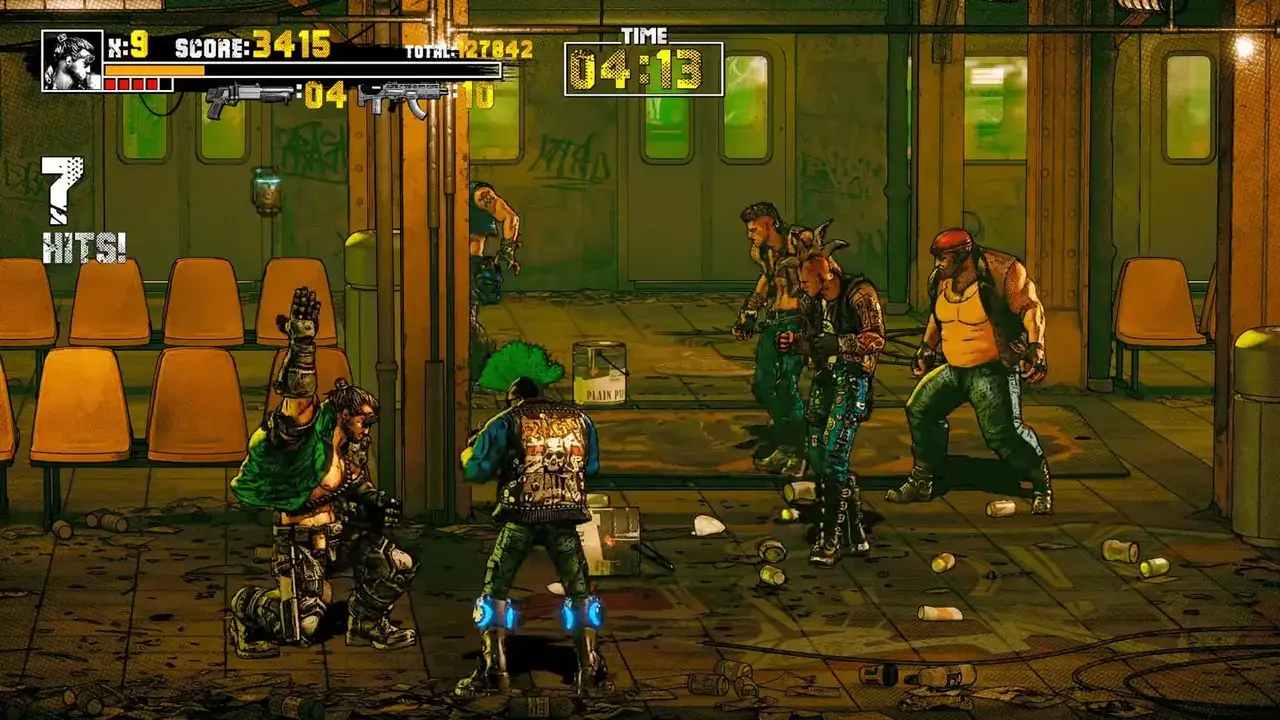
The good news is that couch co-op is where the combat system shines. Two players can cover each other's recovery frames, split a crowd and revive through a mistake that would end a solo run. The bad news is that the screen gets crowded, and a crowded screen is a parry-timing problem.
What co-op modes are supported
- Local co-op. Two controllers (or a controller and a keyboard) on one PC.
- Shared/split-screen co-op. The same screen, split between two players.
- Remote Play Together. Steam's streaming feature lets a friend join your local session over the network. The guest does not need to own the game.
- No online matchmaking. There is no lobby browser or public co-op.
The store does not publish a maximum player count. The footage shows two players, and the split-screen layout is built for two. Treat co-op as a two-player mode.
Setting up local co-op
- Connect both controllers before launching the game.
- Start Arcade Mode and choose the co-op option on the character select screen.
- Confirm both players' characters. The second player can pick any of the four fighters.
- Test the controls in the first stage before you commit to a long run.
If the second controller is not detected, disable Steam Input for the game and relaunch. Double input is the most common cause of a second player who cannot move.
Setting up Remote Play Together
Remote Play Together is the easiest way to play with a friend who is not in the room.
- The host launches Takeover 2 and starts a local co-op session.
- Open the Steam overlay and invite the friend to Remote Play Together.
- The guest accepts; Steam streams the host's screen and sends the guest's inputs back.
- The guest uses their own controller, or the host can assign a keyboard layout.
The catch is latency. The guest's inputs travel over the network, so their parry timing will be a few frames behind the host's. For boss fights, let the host take the parry role and give the guest the add-control role. That way the lag matters less.
Remote Play Together also compresses the image. The combo text and the small HUD elements get soft. If the guest is struggling to read tells, lower the resolution or the stream quality rather than blaming the game.
The best character pairings
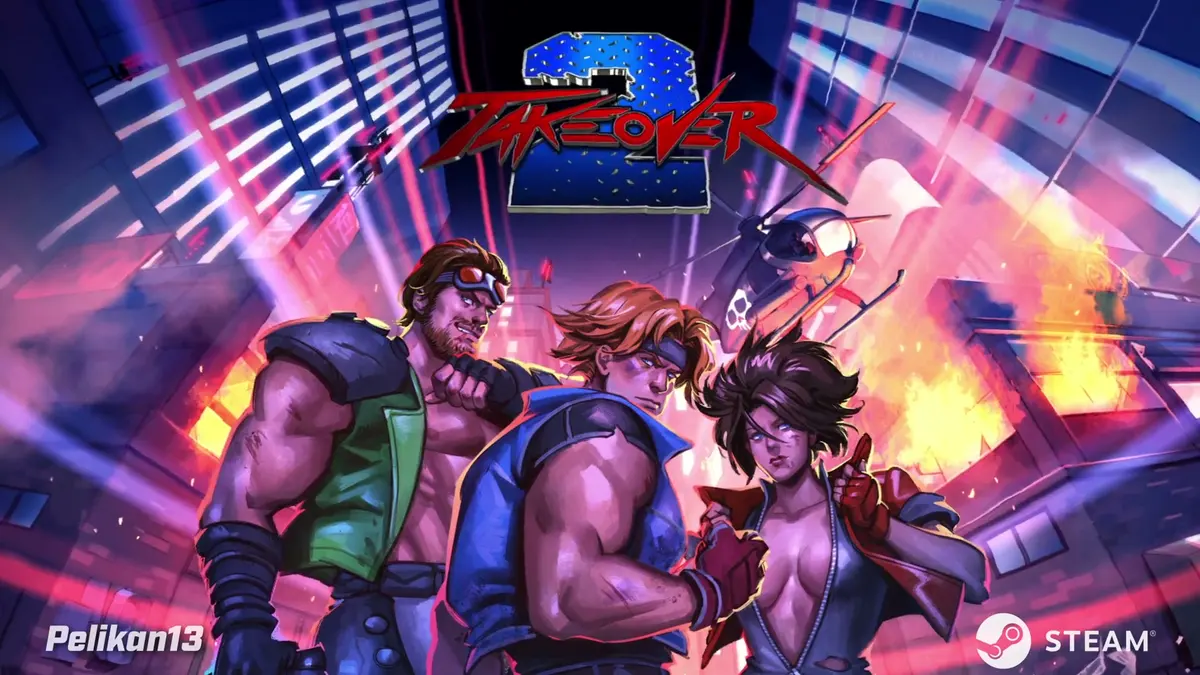
The roster is built for complementary pairs. A fast character and a heavy character cover each other's weaknesses.
| Pair | Strength | Weakness |
|---|---|---|
| Ethan + Connor | Balanced control plus burst damage | Slow if both get cornered |
| Ethan + Megan | Safe range and clean reads | Lower damage ceiling |
| Megan + Amy | High mobility and style | Very busy screen |
| Connor + Amy | Highest damage ceiling | Connor needs space Amy takes away |
For a first co-op run, pick Ethan + Connor. Ethan can hold the crowd and parry the boss; Connor can punish the openings. It is the least demanding pair to read on a split screen.
Co-op tactics that work
Assign the crowd and the boss
One player fights the adds, the other fights the boss. This is the single most important co-op habit. If both players attack the boss, the adds surround you. If both players clear adds, the boss gets free damage.
Revive immediately
A downed player is a lost damage source and a lost score multiplier. Revive before you chase the last enemy. The revive is usually faster than finishing the wave alone.
Do not share the pocket
Two players standing in the same spot is one sweep hitting both of you. Spread to opposite sides of the arena, then converge on the boss when it is staggered.
Call your throwables
A cone that knocks down the enemy your partner is comboing is not help. Call "throwing left" or "throwing centre" if you are on voice chat. If you are not, throw away from your partner's side.
Split the guns
Ammo is limited. Nominate one player as the gunner for finishers and let the other use melee and throwables. Two players spending ammo on the same enemy is a waste.
Co-op and the scoring system
The stage grade is shared, and the clear counts for the profile. That means a co-op run can earn S ranks and clear achievements, but the performance is only as clean as the messier player. If one player is taking hits, the grade suffers.
The achievement counters ("in a single playthrough") are tracked on the signed-in profile. Remote Play guests are not documented as receiving separate progress. If both players want the achievements, run the campaign twice.
The camera problem
Split-screen co-op divides the screen, which makes the already-dense HUD harder to read. The combo text, the hit counter and the boss health bar all compete for space.
Practical fixes:
- Play on the largest screen you have.
- Lower the game's resolution if the UI is too small.
- Sit closer to the screen than you would for a solo game.
- Let the player with the boss assignment sit on the side that shows the boss health bar.
If the split-screen layout is too cramped, try shared-screen co-op (if the game offers it) or Remote Play Together on two separate displays. The store lists both shared and split-screen, so the option exists in some form.
Both players share the same move list, so the controls page→ is worth reading before you split duties.
FAQ
Does Takeover 2 have online co-op?
No online matchmaking. It has local co-op, split-screen co-op and Remote Play Together, which lets a friend join over the network.
How many players can play Takeover 2 co-op?
Two in the footage and the split-screen layout. The store does not publish a higher player count.
Does Remote Play Together require the guest to own the game?
No. The host owns Takeover 2; the guest joins the host's local session through Steam.
Can you earn achievements in co-op?
The clear counts for the signed-in profile. Separate achievement progress for Remote Play guests is not documented.
Sources
- Takeover 2 on Steam ↗
- Steam Remote Play Together ↗
- Steam news and patch notes ↗
- Takeover 2 achievements statistics ↗
Official source: Takeover 2 on Steam ↗ Takeover 2 guides and walkthroughs